CGPro_logo_white_refresh

FREE TOOL · CG PRO SHOT DESIGNER

Give your next AI shot a clear direction

Explore camera angles, lenses, lighting, and film looks, then turn your choices into a prompt for your AI image or video workflow.

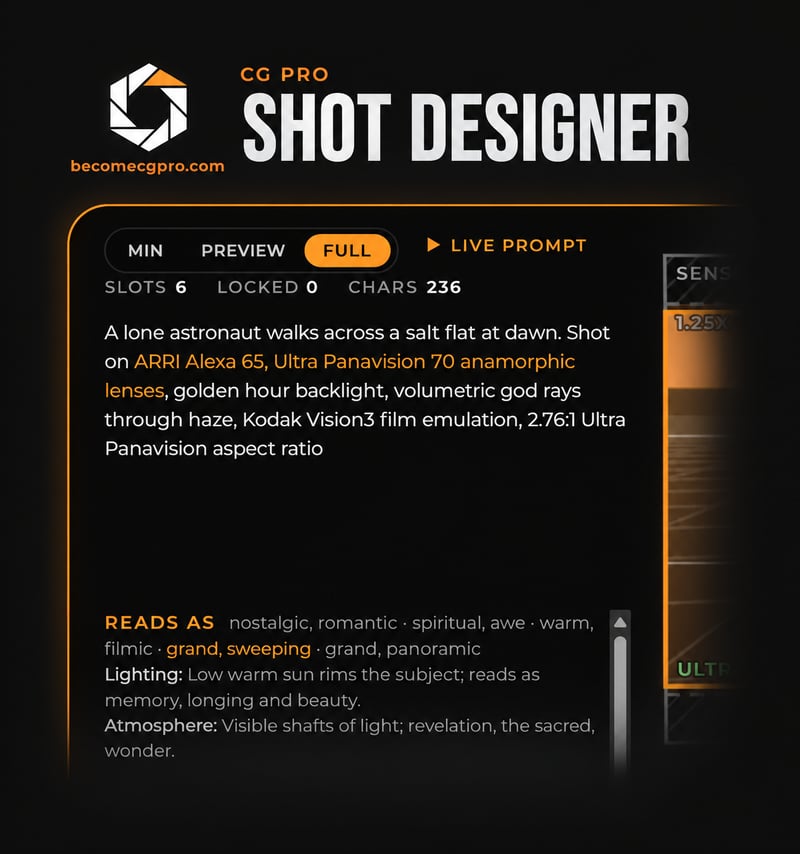
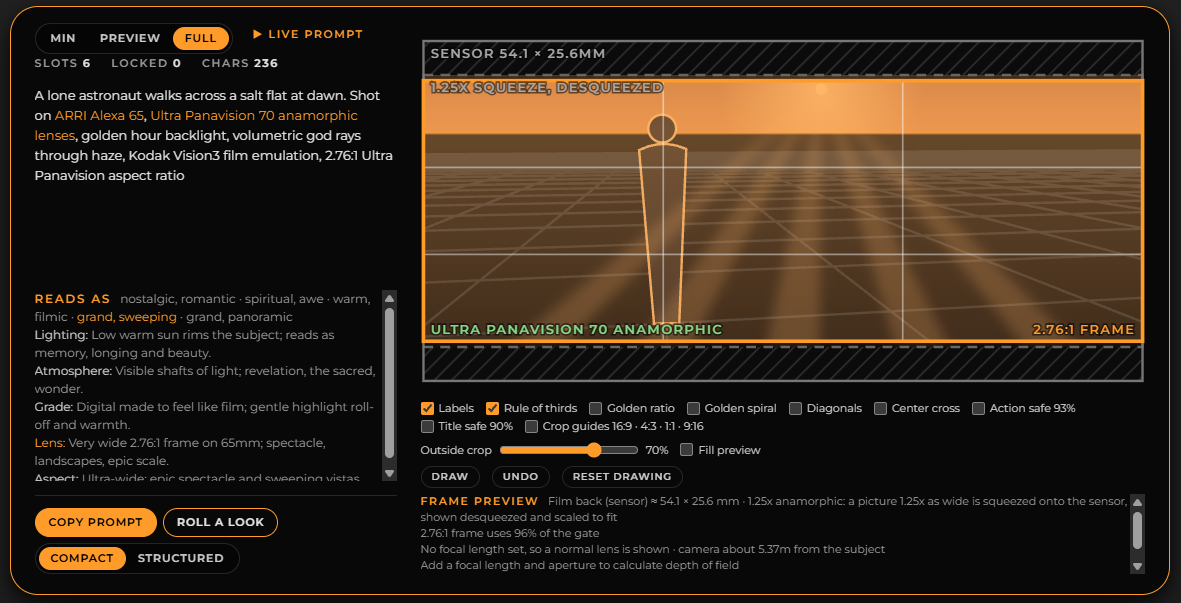
CG Pro Shot Designer brings filmmaking variables into one interactive workspace, with a live frame preview to help you explore your choices.

Enter your email to start exploring Shot Designer.

Get free access
Shot Designer interface, softly fading into black

Explore the choices behind the shot

01

Choose your camera and lens.

Explore camera systems, lenses, focal lengths, and depth of field.
02

Shape the look.

Experiment with framing, camera angles, movement, lighting, atmosphere, and color.

03

Build a prompt you can use.

Start with a preset or create your own combination, then copy your prompt into your preferred AI tool.

The story behind Shot Designer

Built from a real
classroom question.

What other camera and lighting settings could we try in our prompts?

That question came up during a CG Pro AI for Filmmakers class.

Rather than share a list, CG Pro co-founder Edward Dawson-Taylor built an interactive tool with Claude’s help. Shot Designer grew from that experiment, giving filmmakers a practical way to explore visual language and describe their intentions.

The frame preview is an illustrative guide. Results will vary by model, and selecting a camera or lens does not guarantee an exact photographic match.

shotdesigner 2026-10-27 150640

Sign up for Free Access!

Sign up for the CG Pro newsletter to get free access to Shot Designer and be among the first to hear about new tools, upcoming events, and AI filmmaking tips every week.

Before you build your next prompt

How do I build a prompt?

Start by describing your subject and action, then set the available slots in Shot Designer. Lock the choices you want to keep and roll the remaining slots to explore variations. When you have a combination you like, copy the prompt into your image or video model.

Can I keep some choices while trying others?

Yes. You can lock individual slots before rolling another combination. Your locked choices stay in place while unlocked slots change, so you can compare variations around the decisions you have already made. Presets also let you roll a specific look across the slots that remain unlocked.

Does Shot Designer generate the image or video?

Shot Designer builds the text prompt you take into an image or video model. You can choose compact or structured output and specify elements to avoid in the structured prompt. Image or video generation happens in the model you use after copying your finished prompt.