.png?width=300&height=120&name=Landing%20Page%20Images%20(3).png "Landing Page Images (3)")
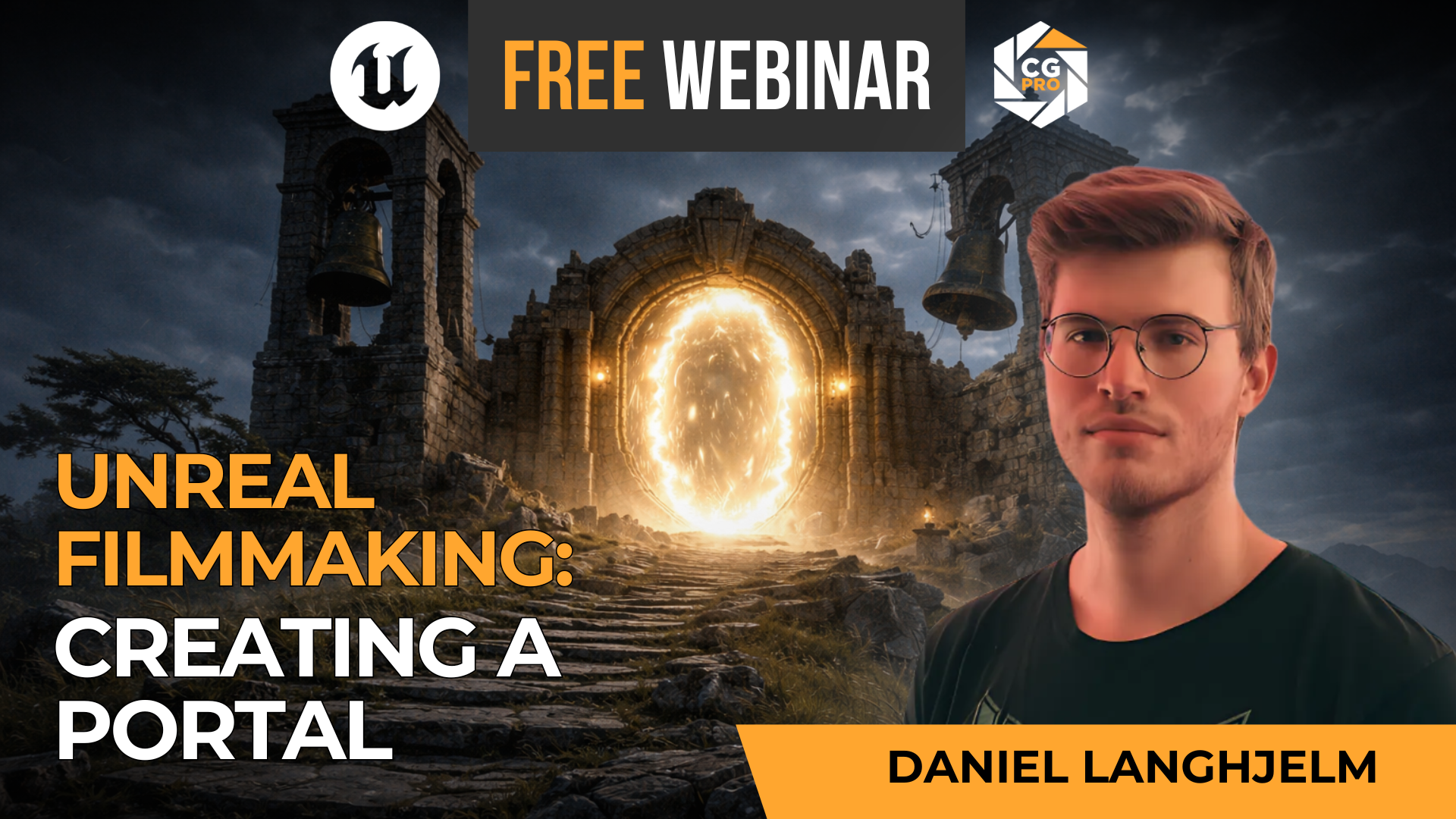
Create Cinematic Worlds in Unreal Engine
See how a portal environment comes together from concept to final shot.
In this recorded session, senior environment artist Daniel Langhjelm breaks down a practical Unreal Engine environment workflow for building cinematic scenes that feel polished, intentional, and production-ready.
You’ll get a closer look at how artists use Megascans, Nanite assets, lighting, composition, and camera work to create believable worlds for filmmaking and real-time storytelling.
In this replay, you'll see:
- How a cinematic environment is developed from early idea to final image
- What makes lighting and composition feel more film-ready
- How Unreal fits into a modern filmmaking workflow
- What to focus on if you want stronger environment work for portfolio or production
This is a strong fit for artists, filmmakers, and Unreal users who want a clearer sense of how cinematic environments are actually built in real time.
Enter your email to watch the replay.
Who This Replay Is For
This session is designed for artists and creatives who want to better understand how cinematic environments are built inside Unreal Engine.
Filmmakers
Great for directors, previs artists, and indie creators exploring Unreal as part of a modern filmmaking workflow.
Environment Artists
Ideal for artists who want to improve scene building, lighting, composition, and overall cinematic quality.
Unreal Users
Helpful for beginners and intermediate users who want a more practical understanding of how real-time cinematic worlds come together.
What You’ll Learn
This replay gives you a grounded look at how cinematic environments are approached inside Unreal Engine.
Environment Workflow
See how a portal scene moves from concept and blockout into a more polished cinematic environment.
Lighting and Composition
Learn what helps an environment feel more intentional, readable, and cinematic on screen.
MeGascans and Nanite
Get a clearer sense of how real-time assets can be used to speed up worldbuilding without losing quality.
Filmmaking in Unreal
Understand how this kind of work connects to previs, virtual production, and cinematic storytelling.
Why Watch This Replay
Because seeing a real workflow is often more useful than hearing general advice. This session gives you a practical look at how cinematic environment work actually comes together inside Unreal.
Daniel Langhjelm
Daniel Langhjelm is a Senior Environment Artist who helps artists understand how to build stronger, more cinematic worlds in real time.
In this replay, he shares a practical look at environment creation inside Unreal Engine, with a focus on scene development, visual storytelling, and film-ready presentation.
Frequently Asked Questions
Is this replay free?
Yes. Just enter your email to get access to the recorded session.
Do I need to be advanced in Unreal Engine?
No, though some experience helps. This is more of an intermediate level workflow webinar, for artists looking to improve the cinematic quality of their work.
Who is this best suited for?
It’s a strong fit for filmmakers, environment artists, Unreal users, and creatives interested in cinematic worldbuilding.
Will this help me decide if CG Pro training is right for me?
Yes. The replay gives you a good feel for the teaching style, the level of instruction, and the kind of practical workflow focus CG Pro is known for.